Your words.
Your pace.
Your best take.
Keep your script in sight and your attention on the people listening. A teleprompter that runs right in your browser.
Free to get started. No app download.
Every good story starts with something worth saying.
Try a few lines. In the app, you choose the script, text size, and scrolling speed.
A reading rhythm
that feels like you.
Autoscroll
Set a steady speed and let your script move while you speak.
Manual
Advance at your own pace with a keyboard or presentation clicker.
Dictate
Speak naturally. Your script follows your voice and waits when you pause.
Follow
Follow highlighted words at a reading speed you choose.
Dictate is included with Plus. Try approximately one hour of voice-following across your trial on a supported desktop browser. See how Dictate works
Less to juggle.
More room to speak.
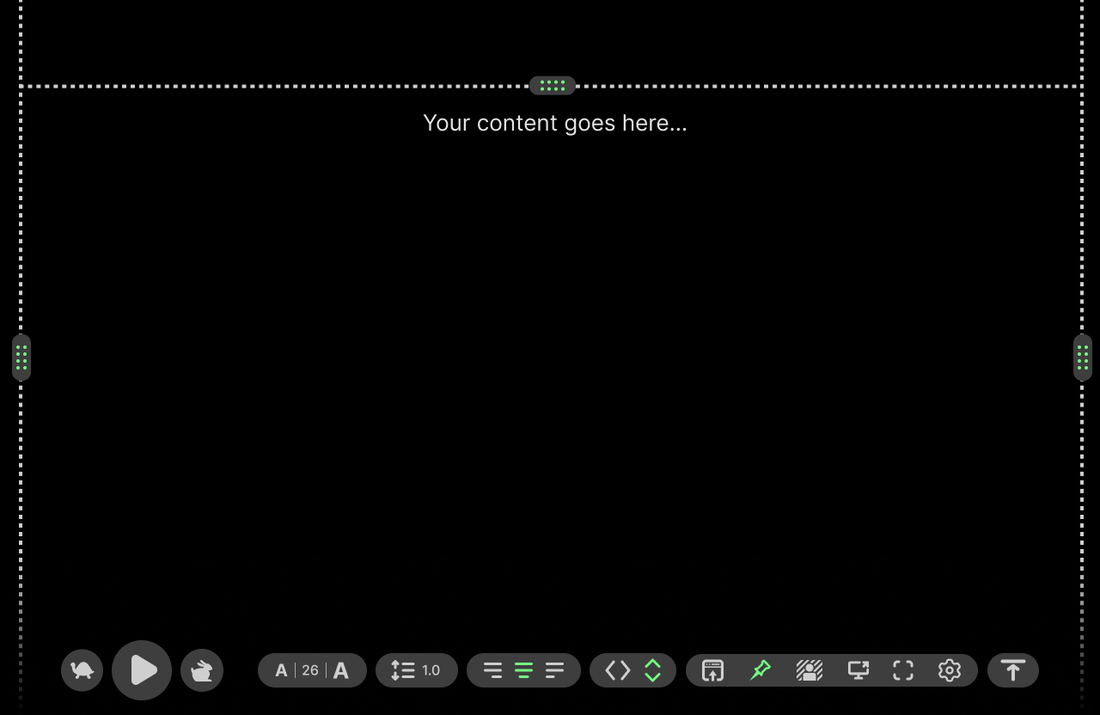
Your words, reading controls, and recording tools in one place. Set up your view before you hit record.
Built around your setup.
Make it easy to read
Adjust text size, line spacing, and alignment to suit your screen and distance.
Keep your setup
Mirror text for physical teleprompter hardware, or use a second device as a display.
Bring your script
Paste your words or import a text file. Edit your script before you start.
Record where you read
Keep your script and webcam together. Pause scrolling to pause your recording, then pick up where you left off.
Connect directly to OBS Studio
Link the app to OBS Studio and let your recording start your scrolling. Set up the connection right in the app.
Pause without losing your place
Take a breath, pause your script, and continue when you’re ready. Pause is the default action.
Ready when you are.
Use your laptop, tablet, or phone. Start with a short script and a comfortable reading pace.
- 1
Bring your words
Open the app and paste or import your script.
- 2
Set your view
Choose a reading mode, then adjust the text to your setup.
- 3
Rehearse, then record
Read it through once. Change the pace until it sounds natural.
Give your next take a little help.
Your first script is a good place to start.